

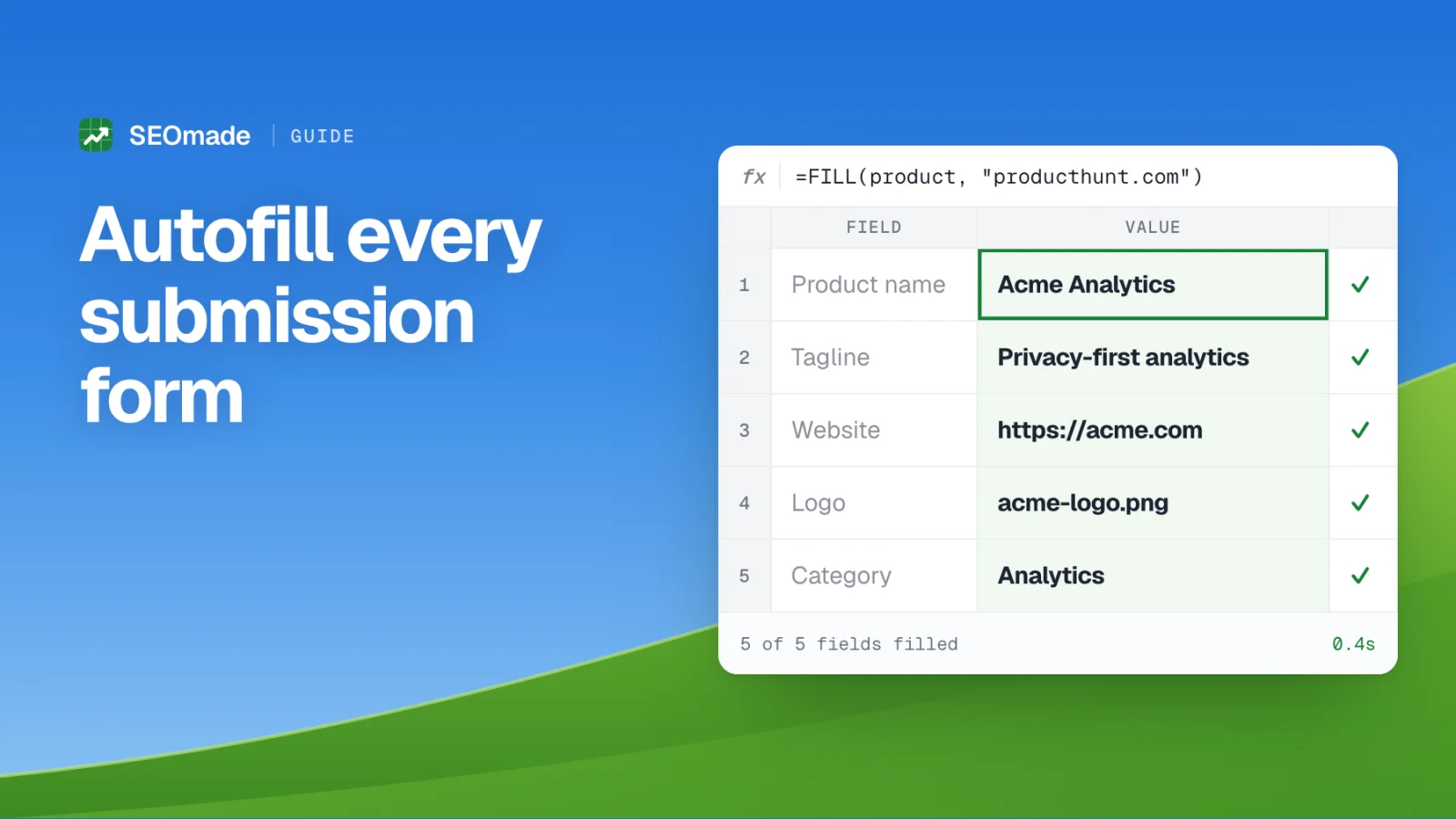
Everybody tells you to submit your product to directories. Nobody warns you what that actually feels like on directory number twelve, at 11pm, typing your own tagline from memory for the twelfth time and getting it slightly wrong again.
The research part is genuinely quick — our directory index ranks 1,000 of them by domain rating and link type, so picking targets takes ten minutes. The submitting is what kills the campaign. This guide fixes that half.
1. Why submissions take so long (it is not the research)
Time a single submission honestly and it looks like this: two minutes finding the submit page, one minute making an account, fifteen to twenty-five minutes on the form itself, and two minutes hunting for your logo file in Downloads. Multiply by thirty and you have a full working week.
The form is slow for a specific reason: every directory asks for the same information in a slightly different shape. One wants a 60-character tagline, the next a 100-character "short description", the third a 500-word write-up. One wants your category as a dropdown, another as free text, a third as three checkboxes. So you cannot simply paste — you retype and reshape, every single time.
- Product name and website URL
- A tagline, usually capped between 50 and 80 characters
- A short description, usually capped between 100 and 300 characters
- A long description with no cap at all
- Logo file, and often 2–5 screenshots
- Category, from a dropdown you have never seen before
- Tags or keywords, comma separated
- Your name, email, and often a Twitter or LinkedIn profile
2. Build your listing kit once
Before automating anything, write the content properly one time. This is the same asset list from our submission playbook, and it is worth an hour of real effort — it becomes the copy that represents you on a hundred pages you will never look at again.
The trick most people miss is writing three lengths of description, not one. Forms cap wildly, and a description truncated mid-sentence at 100 characters looks careless in a way that costs you approvals.
- Tagline (under 60 chars): what it does, in plain words. No "delightful", no "seamless".
- Short description (under 260 chars): two sentences — the problem, then your specific answer to it.
- Long description (400+ chars): problem, capability, differentiator, call to action. Lead with the category keyword a buyer would actually search.
- Logo: square PNG, 512×512. Square works everywhere; wordmarks get cropped badly.
- Screenshots: 3–4 at 1280×800, showing the product doing something, not an empty dashboard.
- Category and tags: pick the one category you would want to rank in, plus 4–6 tags.
3. Install the autofill extension
SEOmade Autofill is a free Chrome extension that stores that kit and types it into any submission form for you. It works in Chrome, Edge, Brave and Arc, needs no account, and keeps everything on your own machine — nothing is uploaded to us or anyone else.
Setup is one pass through the editor:
- Install the extension and the project editor opens by itself.
- Paste your website URL and hit Fetch — it reads your title, description, favicon and social image and fills in what it can.
- Fix the wording, especially the tagline and the two descriptions. This is the part worth doing carefully.
- Drag in your logo and screenshots. They are resized on save, so filling stays instant later.
- Add your category, tags, email and social handles. The progress bar at the top tells you how much of a typical form you can now cover.
4. Filling your first form
Open any directory's submit page. If it looks like a submission form, a small button appears in the bottom-right corner — or click the toolbar icon, or press Alt+Shift+F. The popup shows you exactly what it found and what it intends to put where, before you commit to anything.
Hit fill and the fields populate and flash green. Anything it could not handle — a dropdown with no matching option, an uploader that blocks scripted files — gets an orange dashed outline and a line in the summary, so you finish those by hand instead of discovering them after you submit. Changed your mind? Undo puts the whole form back.
A few things it does that a clipboard cannot: it picks the description that fits the box (tagline for a 60-character field, short description for a 200-character one, the long one for an open textarea, trimmed at a sentence rather than mid-word); it puts your logo and screenshots straight into file pickers; and it matches dropdowns loosely, so "AI" finds "Artificial Intelligence" and "Freemium" does not get grabbed by the "Free" option sitting next to it.
5. What it deliberately will not do
Automating the typing is fine. Automating the judgement is how people end up with thirty identical, slightly-wrong listings and a reputation with directory editors.
- It never presses submit. You read the listing over and send it yourself.
- It never ticks terms checkboxes unless you explicitly turn that on in the popup.
- It skips the traps: search boxes, "confirm email", "how did you hear about us", and newsletter opt-ins are left alone.
- It will not save you from a lazy listing. Where a directory gives you room to be specific — use cases, integrations, who it is for — tailor it. Those are the listings that rank inside the directory and actually send traffic.
6. Close the loop: track what you submitted
Half the value of a directory campaign is the follow-up. Hand-reviewed directories go quiet for weeks, and "pending" quietly becomes "forgotten". Keep a status per directory — to do, pending, submitted, live, rejected — and sweep the pending pile every two weeks.
If you link the extension to a project on your SEOmade dashboard, submitting a form on a directory we track marks it as submitted there for you. Your DR is snapshotted daily alongside it, so the "since launch" growth number builds itself while you work through the list.
7. An afternoon workflow for 25 directories
Once the kit is stored, batching beats spreading. Block three hours and run it like an assembly line rather than dipping in each evening:
- 0:00–0:20 — pick 25 targets from the index, sorted by DR, filtered to dofollow and free. Open each submit page in a tab.
- 0:20–0:40 — make accounts across all of them first. Batching signups avoids the constant context switch to your inbox.
- 0:40–2:30 — fill, read, submit, tab by tab. Roughly four minutes each including the read-through and the odd bespoke field.
- 2:30–3:00 — mark statuses, and put a calendar reminder two weeks out to chase anything still pending.
Final take
Directory submissions are not hard, they are tedious — and tedium is what kills campaigns at directory twelve. Take the typing away and the whole thing becomes a task you can finish in one sitting rather than one you abandon halfway.
Store your product once: get the extension, then work down the index from the highest DR.
Frequently asked questions
What is the fastest way to submit a product to many directories?
Prepare one listing kit — name, tagline, short and long descriptions, logo, screenshots, category and tags — then use a form autofill extension so each submission is a click plus a read-through. Batch 20–25 directories in one sitting rather than a few per evening.
Is the SEOmade Autofill extension free?
Yes. It is free, needs no account, and stores everything locally in your browser. Nothing is uploaded to SEOmade.
Can a browser extension upload my logo and screenshots?
Yes. SEOmade Autofill puts stored images directly into file inputs, so you do not have to find the files on every site. A small number of custom uploaders block scripted files — those are flagged in orange so you attach them manually.
Will autofilling get my listings rejected?
No, because the content is still yours — the extension types what you wrote. Rejections come from thin or spammy listings, so where a directory gives you room to be specific, tailor the copy instead of accepting the generic version.
Does it submit the form for me?
No, and that is deliberate. It fills the fields and stops so you can read the listing before sending it. Automating judgement is how people end up with thirty identical, slightly wrong listings.
How long does a directory submission take with autofill?
About four to five minutes per directory including account creation and a careful read-through, versus twenty to thirty minutes done manually. Setting up the extension takes roughly five minutes and pays back by the third submission.